

Dashboard, SEO, Forms and Settings
The UiChemy dashboard in EmDash: SEO for the whole site, form submissions, custom fonts, white label and plugin settings.
The UiChemy dashboard is where you manage things that cover the whole site. Open UiChemy under Plugins in the EmDash sidebar. The menu on the left has Home, Performance, SEO, Form Submissions, White Label and Settings.
Pre-release. UiChemy for EmDash is at version 0.2.0. It comes ready to use on sites you publish from AI Website Creator as HTML + EmDash. The standalone package (@uichemy/emdash) is not published to npm or the EmDash plugin registry yet, so the manual install steps will change.
SEO
SEO shows how your pages appear in Google, AI tools and link previews. It has seven tabs: Audit, Site Settings, AI Search, Schema Templates, Indexing, Redirects and Advanced.
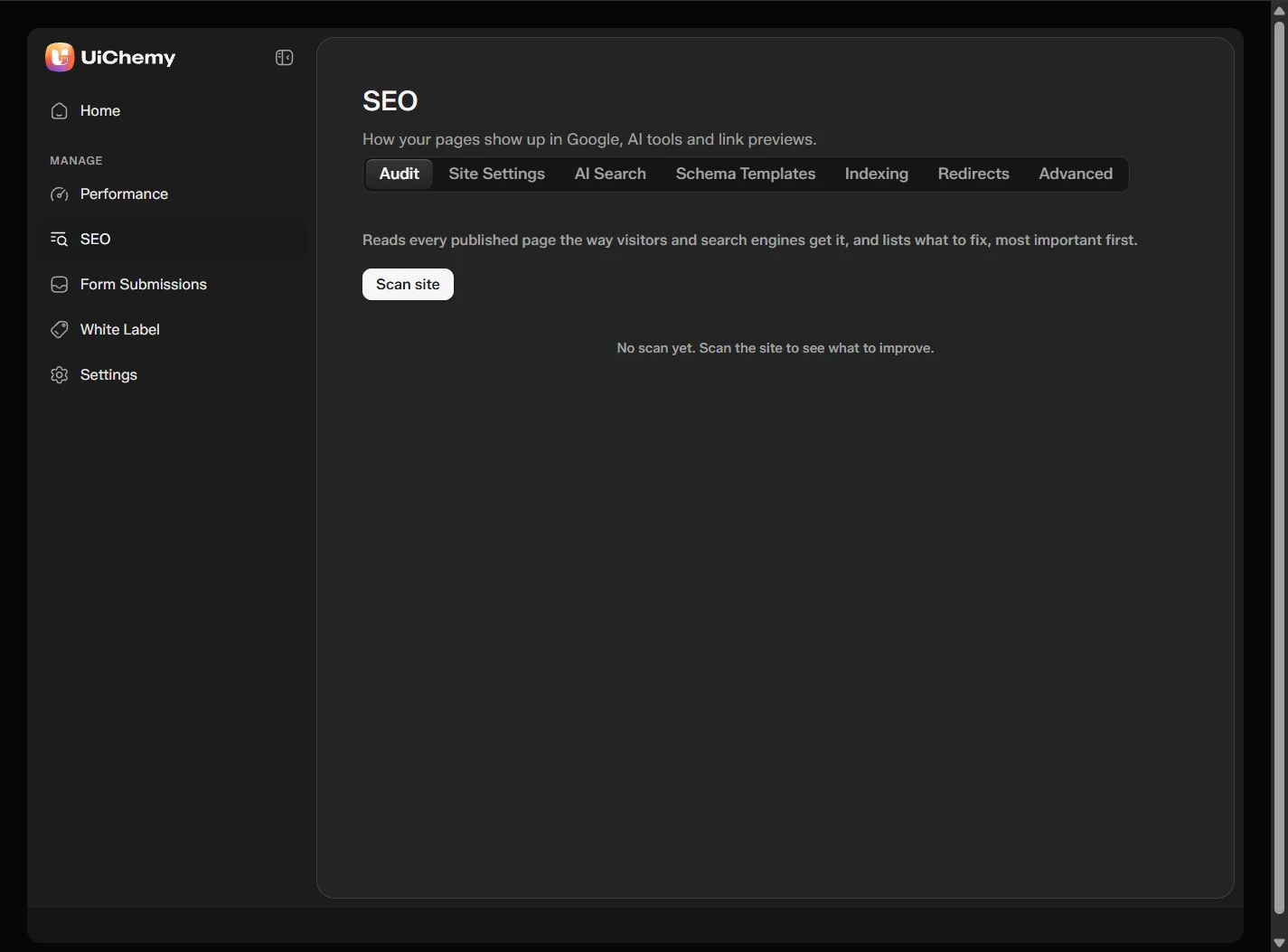
The SEO screen with its tabs
- Audit: click Scan site. UiChemy reads every published page the way visitors and search engines get it, and lists what to fix, most important first.
- AI Search: the site's
/llms.txtis served by the plugin. - Redirects: a page's Redirect setting is saved as a row in EmDash's Redirects.
- Advanced: the UiChemy SEO tags switch. Turn it off to stop the plugin printing SEO tags. Your saved values are kept.
A page's own title, description and share image are set in the SEO panel of the editor. They are EmDash's own SEO fields, so the EmDash page editor shows the same values.
Form Submissions
A form in a design that you mark for UiChemy becomes a managed form. The plugin adds the submit endpoint, token and spam trap for you. Each entry lands in Form Submissions.
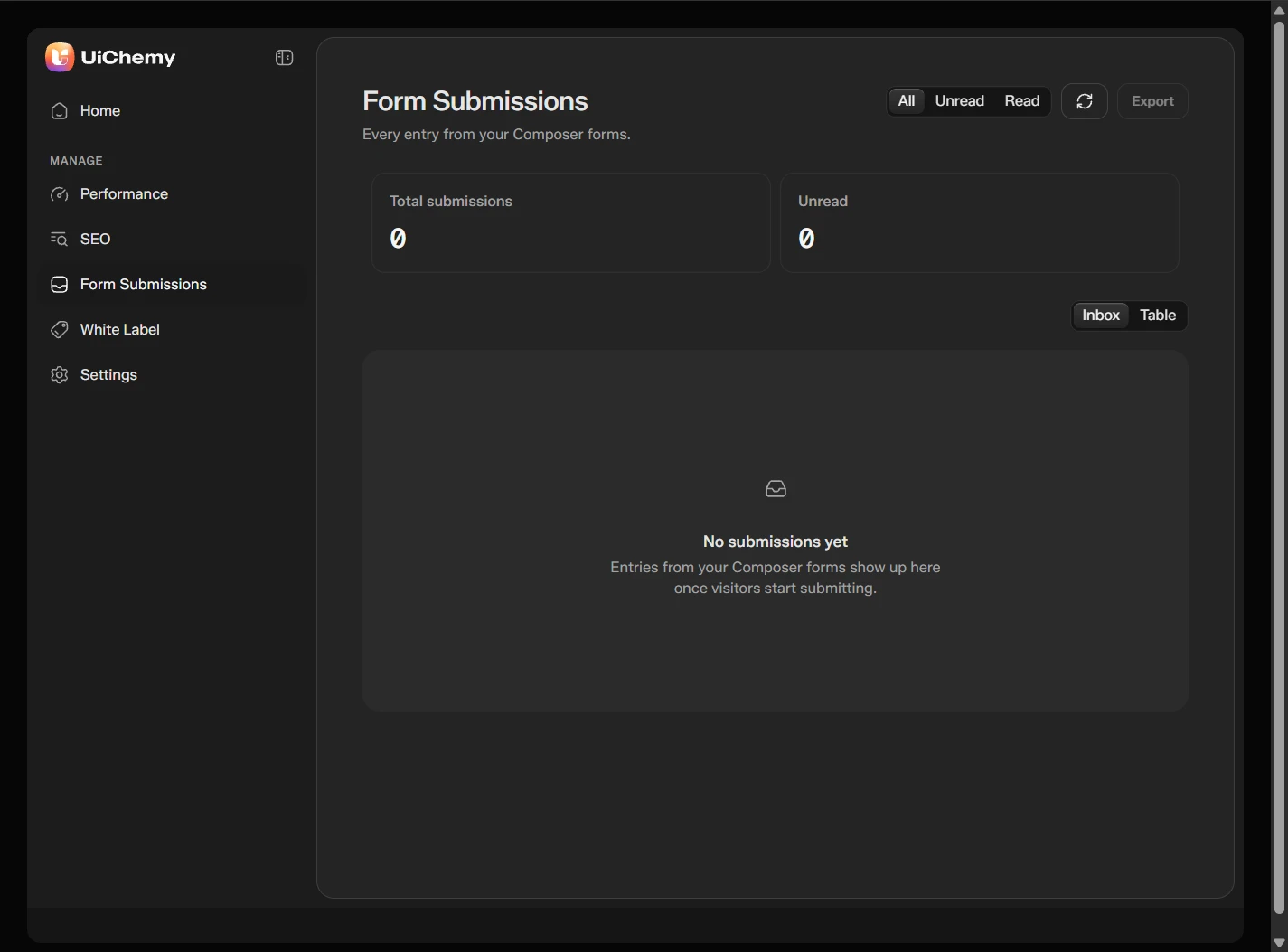
The Form Submissions screen
- Filter by All, Unread or Read, and switch between Inbox and Table.
- The cards show Total submissions and Unread.
- Click Export to download the entries.
- Each form can send a notification email, with the admin email as a fallback, and call a webhook.
Performance
Performance has Fonts. Click Add font to use a .woff2, .woff, .ttf or .otf file from your Media Library.
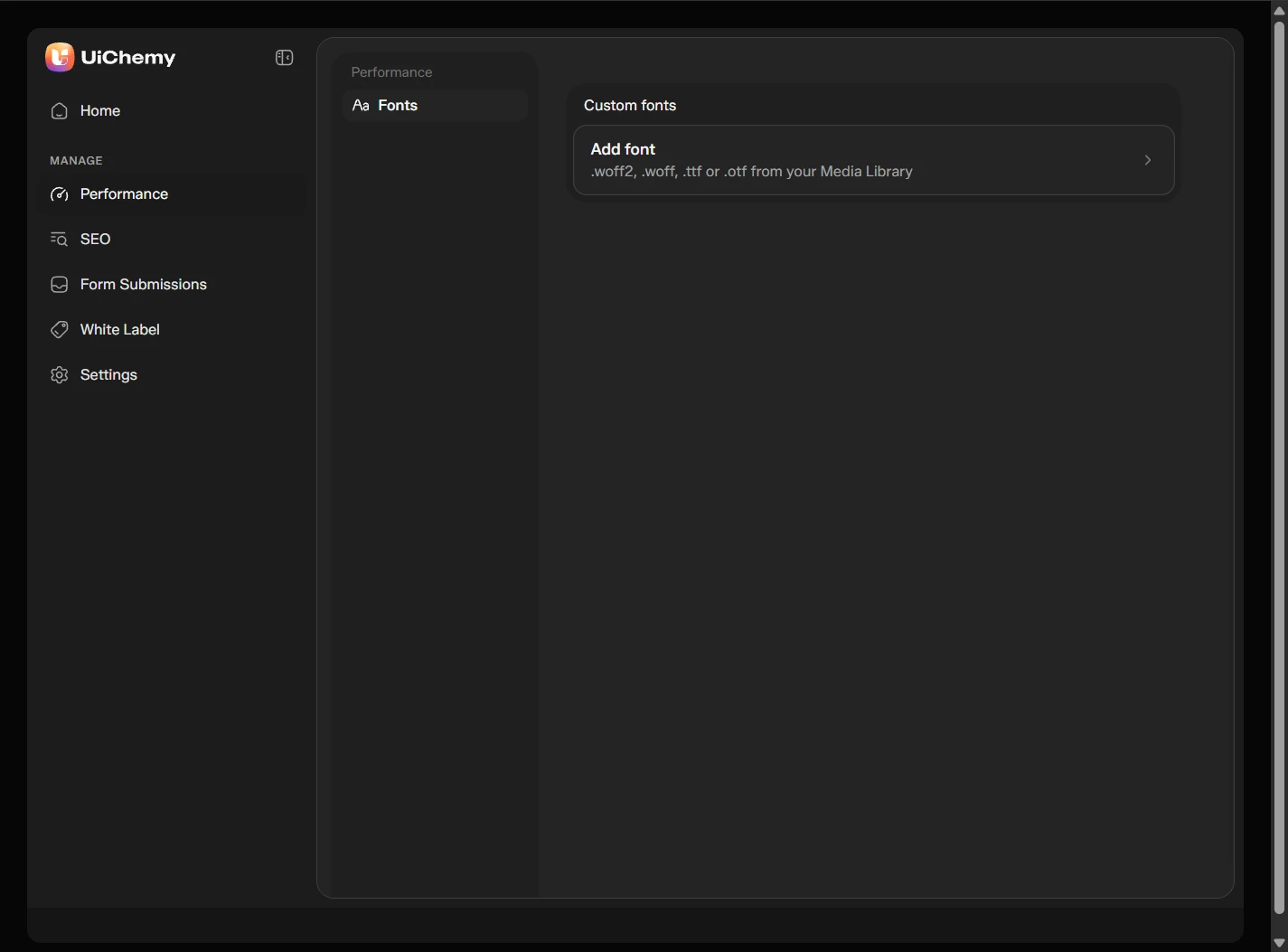
The Performance screen with Add font
White Label
White Label rebrands UiChemy where it shows. Turn on Enable white label, then set the brand name, brand logo and author in Branding. The Live preview shows your name in the EmDash menu. Plugins screen and Advanced have more options.
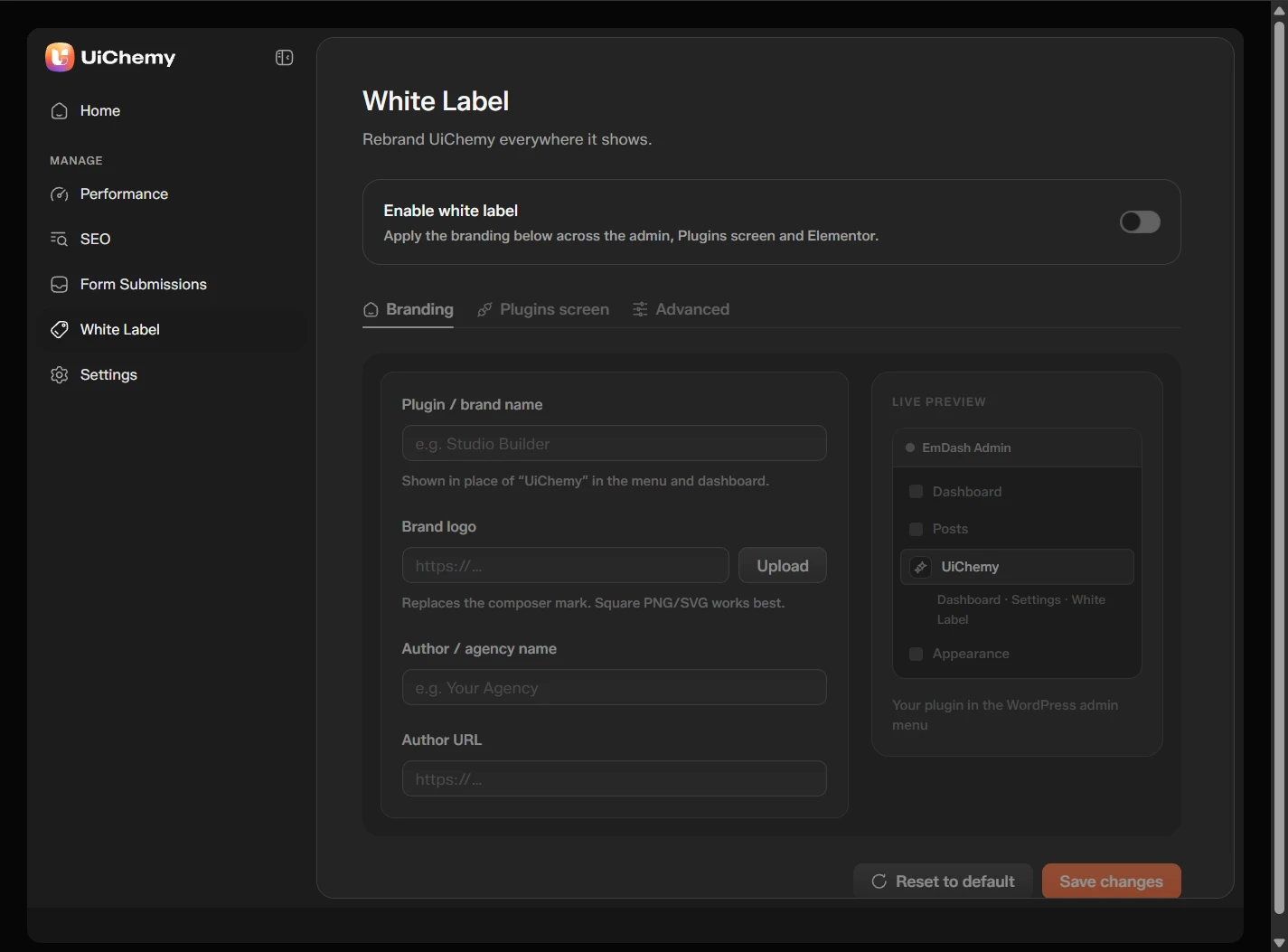
The White Label screen
Settings
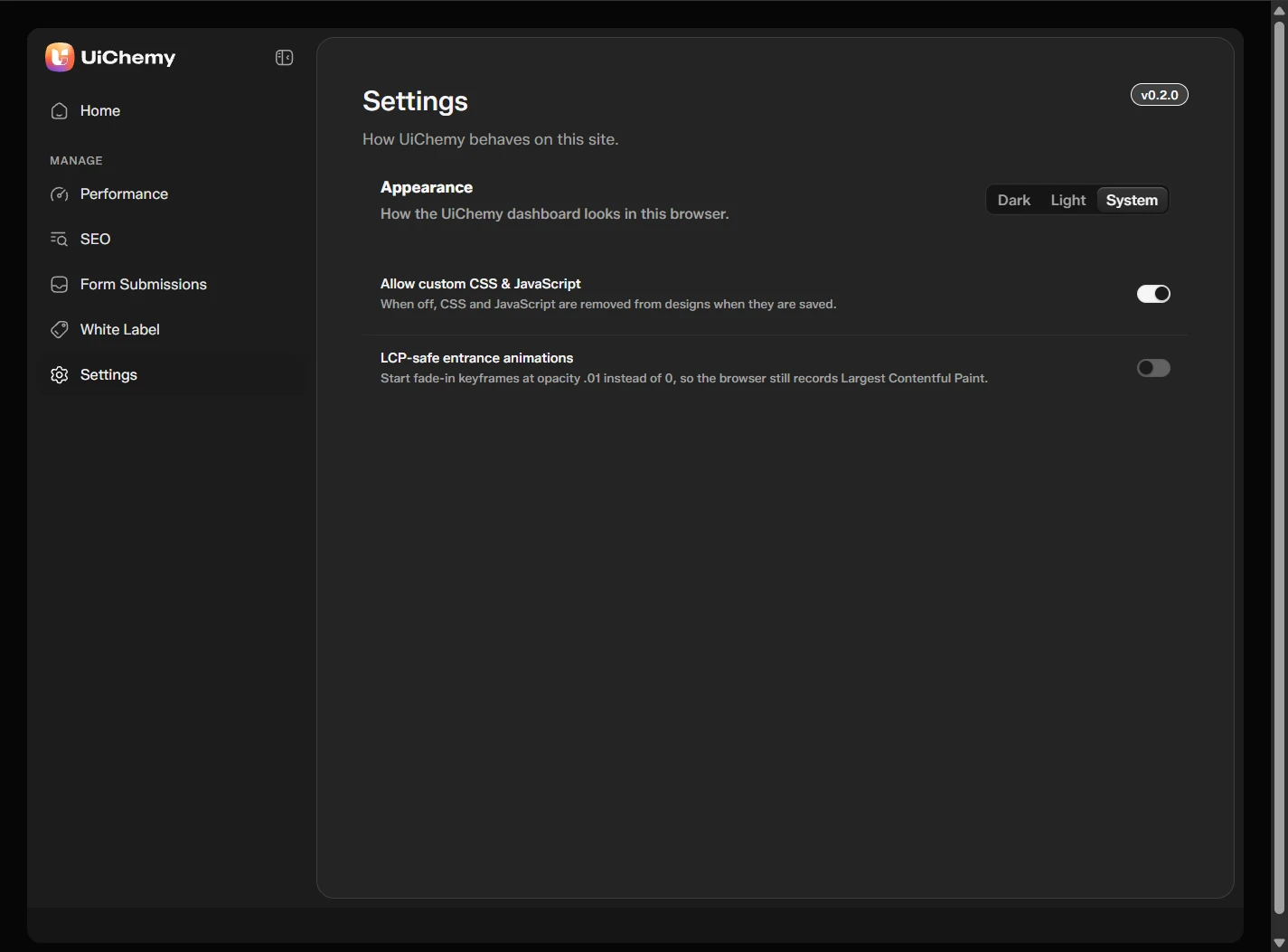
The Settings screen
| Setting | What it does | Default |
|---|---|---|
| Appearance | Dark, Light or System for the UiChemy dashboard | System |
| Allow custom CSS & JavaScript | When off, CSS and JavaScript are removed from designs when they are saved | On |
| LCP-safe entrance animations | Starts fade-in keyframes at opacity 0.01 instead of 0, so the browser can record Largest Contentful Paint | Off |
The plugin version shows at the top right of Settings.
Site-Wide Code and Design Tokens
In the editor, the Site tab of the Code panel holds code that runs on every page. The same head holds the design system: one CSS block with your variables and global classes, so designs can reuse var(--token) names. Open them from Site styles in the editor.