

AI in the Builder
Connect your own AI to the UiChemy Composer Page Builder so it can build and edit pages for you. Needs UiChemy Pro.
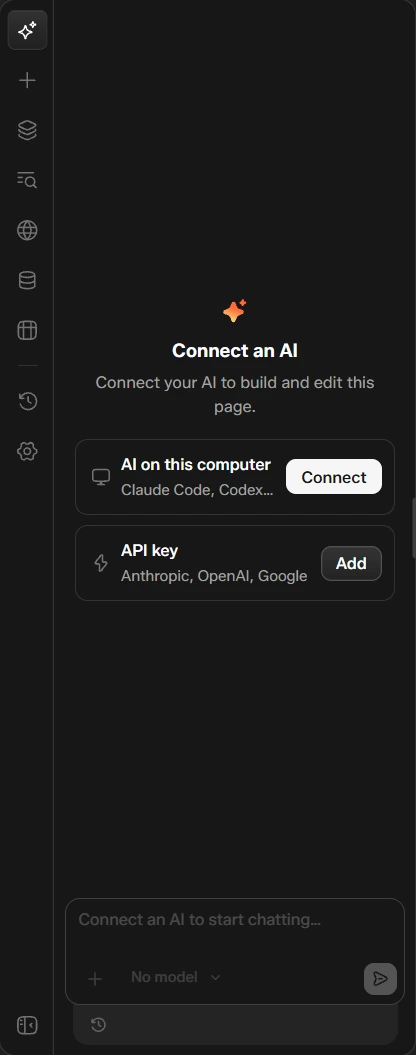
The AI chat panel is the first icon in the builder sidebar. It lets an AI build and edit the page you have open.
AI chat needs UiChemy Pro. On the free plan the panel opens, but Connect and Add do not work. See Free vs Pro.
Connect an AI
The panel says "Connect your AI to build and edit this page" and offers two ways:
| Option | What it is |
|---|---|
| AI on this computer | Connect a tool you already run, such as Claude Code or Codex. Click Connect |
| API key | Add a key from Anthropic, OpenAI or Google. Click Add |
Until an AI is connected, the message box reads "Connect an AI to start chatting…" and the model picker shows No model.
Other Ways to Use AI
- Ask AI at the end of the page is another way to start from the page itself.
- Draw on canvas in the canvas toolbar lets you sketch over the page to point at what you mean.
Related
Was this page helpful?