

Templates in the Builder
Build headers, footers, single post, archive, search results and 404 templates in the UiChemy Composer Page Builder with the Theme Builder panel.
The Theme Builder icon in the builder sidebar opens the Theme Builder inside the builder, so you can make the parts of your site that repeat on many pages.
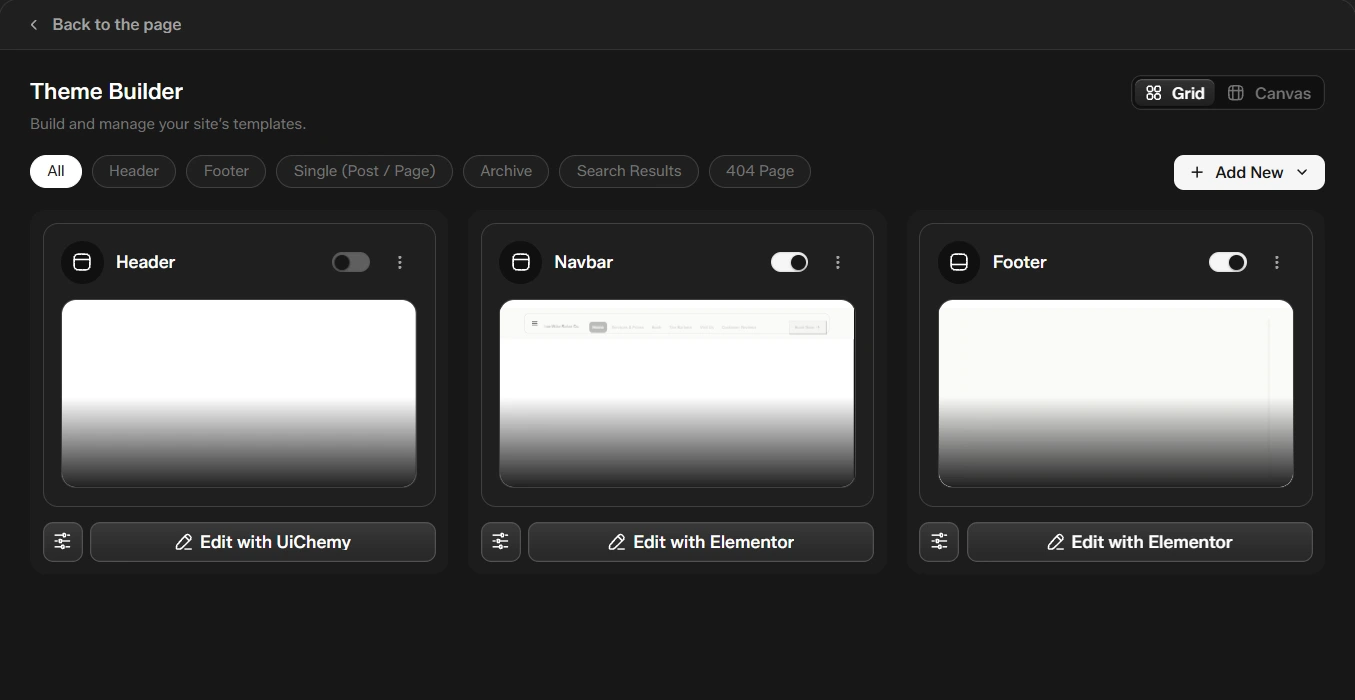
Open It
- In the builder, click Theme Builder in the sidebar.
- Use Back to the page to return to your page.
The page menu in the top bar (the arrow beside the page name) lists the templates this page uses, each with the builder it was made in, and has Add template.
Create a Template
Click Add New and choose the kind of template:
| Template | What it controls |
|---|---|
| Header | The top of every page |
| Footer | The bottom of every page |
| Single Post or Page | How one post or page looks |
| Archive | Category, tag and other list pages |
| Search Results | The results page of your site search |
| 404 Page | The page shown when a link does not exist |
UiChemy creates the template and opens it in a new tab. Click Edit with UiChemy to build it.
Archive, search and WooCommerce templates need UiChemy Pro. See Free vs Pro.
Sections for Each Template
Add a section the same way as on a page. The library shows what fits the template:
| Template | Sections in the library |
|---|---|
| Header | Header with menu |
| Footer | Footer with links |
| Single Post or Page | Post header, Post content, Author box, Previous and next post, Related posts (3 columns), Posts grid with page numbers, Posts list with page numbers, Posts with category filter, Browse by category, Post categories and tags |
| Archive and Search Results | Archive title, Archive title with category chips, Archive posts grid with page numbers, Archive posts list with page numbers |
| 404 Page | 404 with big number, 404 with search and recent posts, 404 split with illustration |
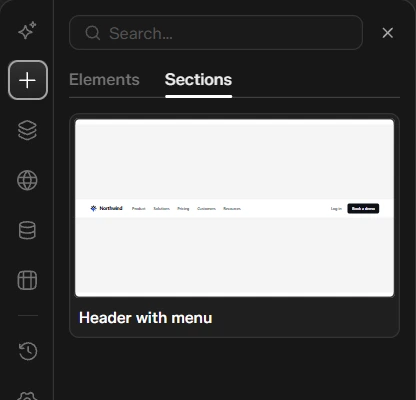
The sidebar has no SEO icon while you edit a template, because templates are not pages that appear in search.
Where Each Template Shows
Set where a template applies, and turn it on or off, from the Theme Builder screen. For the full guide to conditions and priority, see Theme Builder.