

Prompt for Social Media Marketing Agency Landing Page
A copy-ready prompt to build a premium social media agency landing page with your AI tool and bring it into WordPress with UiChemy.
Social Media Agency Landing Page Prompt
This prompt tells your AI coding tool to build an award-level landing page for a creative social media agency: bold editorial design, GSAP-powered motion, smooth scrolling, and one interactive WebGL section. Once the page is built, you can bring it into WordPress with UiChemy.
Watch the Video
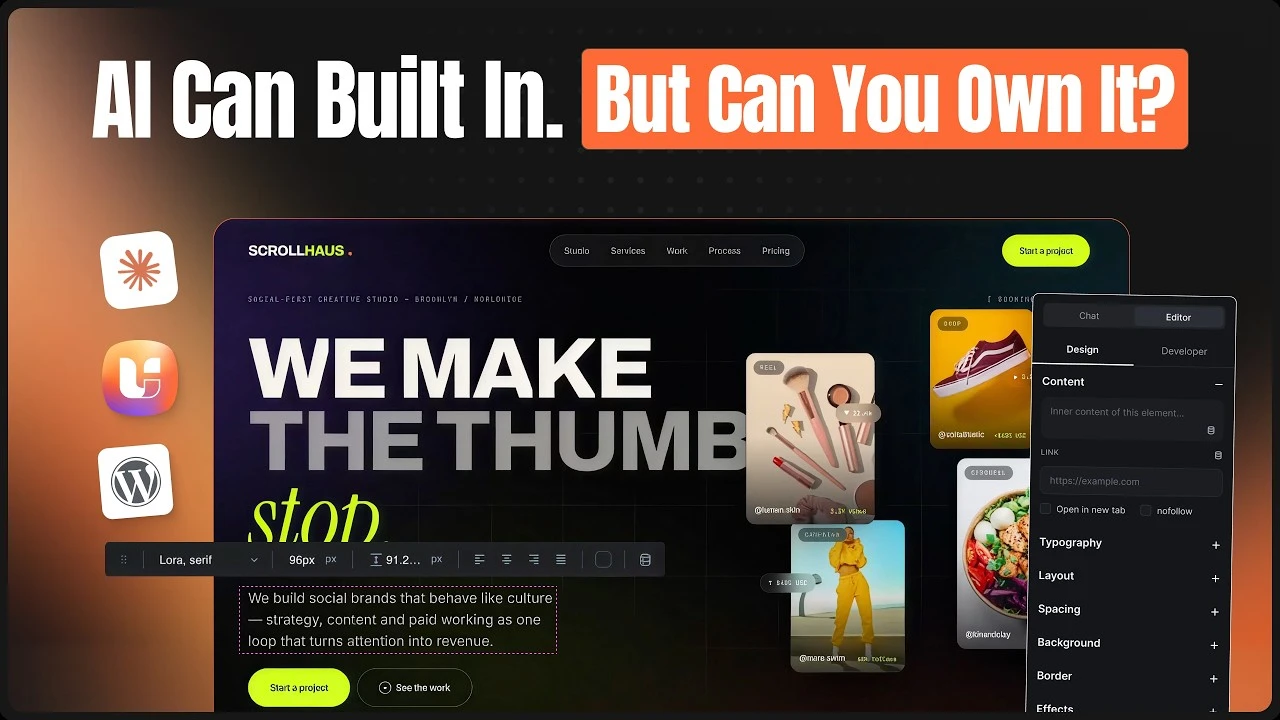
Prefer to watch first? This video shows in detail how a page built by your AI tool becomes a client-ready WordPress site.
What You Get
The prompt asks for these sections, all of them required:
| Section | What it covers |
|---|---|
| Hero | GSAP-animated hero with an oversized headline, supporting copy, two buttons, and a layered visual |
| About / Introduction | The agency, its approach, and its creative philosophy |
| Services | Social media strategy, content creation, branding, paid campaigns, influencer marketing |
| Case Studies | Large visual project cards with hover effects and results |
| Creative Showcase / Work | An interactive gallery of creatives, campaigns, and reels |
| Process / Approach | The agency workflow in an animated format |
| Testimonials / Clients | Editorial-style client feedback and trusted brands |
| Pricing Table | Multiple plans with a feature comparison and clear buttons |
| Contact | A form with name, email, company, project type, budget, and message |
| Final CTA | A strong closing statement to start a project |
| Footer | Navigation, contact details, and social links |
On top of these, the prompt asks for one dedicated WebGL section (built with Three.js or GLSL), Lenis smooth scrolling, and a responsive layout with reduced-motion support.
How to Use It
Copy the prompt
Click Copy Prompt at the top-right of the prompt below.
Run it in your AI tool
Paste it into an AI coding tool that can create files, such as Claude, Cursor, Codex, or Antigravity. Let it build and preview the page.
Bring it into WordPress
Connect your AI tool to your site over UiChemy MCP, then send the Import in WordPress prompt below. See Set Up AI to WordPress for the connection steps.
Example prompt: After the page is built, ask: "Connect to my WordPress over the UiChemy MCP and, using UiChemy Composer, move this landing page in: recreate it section by section; put the header and footer into the Theme Builder; keep colors, typography and spacing as global styles; import native and editable in Elementor or Gutenberg. When done, list the pages you created."
The Prompt
Create a premium, creative, modern Social Media Agency landing page with an award-level visual experience, immersive UI/UX, smooth scrolling, interactive storytelling, and purposeful motion.
The website should feel like a high-end creative social media agency, not a generic SaaS or corporate template.

Hero Section
Create a bold, visually striking hero that immediately communicates the agency's creative and social media expertise.
Use a GSAP-powered hero with smooth entrance animations, text reveals, image/video movement, and subtle interactive effects.
Include a strong oversized headline, supporting copy, and primary/secondary CTAs.
Use an engaging visual composition such as layered campaign creatives, social media content, floating cards, or an interactive visual system.
Make the hero feel dynamic and premium without overwhelming the content.

Overall Design
Build a distinctive visual identity around a modern creative social media agency.
Use:
Bold editorial typography and generous whitespace
Modern asymmetric layouts
Strong visual hierarchy
Creative compositions and oversized typography
Subtle gradients, glow, blur, depth, and refined borders
Premium dark or sophisticated mixed-color visual system
High-quality campaign imagery and social-media-inspired visual elements
Consistent spacing and polished micro-interactions

Required Sections
Create the Hero, About, and other common sections based on your own creative direction.
However, the following sections are mandatory and must be included:
Hero: GSAP-powered animated hero with strong visual storytelling
About / Introduction: Establish the agency, its approach, and creative philosophy
Services: Social media strategy, content creation, branding, paid campaigns, influencer marketing, etc.
Case Studies: Showcase multiple campaigns/projects using large visual cards, image/video previews, hover interactions, and project results or highlights
Creative Showcase / Work: An interactive presentation of social media creatives, campaigns, reels, or visual content
Process / Approach: Present the agency workflow in an engaging, animated format
Testimonials / Clients: Premium editorial-style presentation of client feedback or trusted brands
Pricing Table: A polished and easy-to-understand pricing section with multiple plans/packages, feature comparisons, and clear CTAs
Contact: A visually engaging contact form with fields such as name, email, company, project type, budget, and message
Final CTA: Strong closing statement encouraging visitors to start a project
Footer: Clean premium navigation, contact details, social links, and supporting information
You may add additional sections where they improve the storytelling and overall experience.

WebGL / Interactive Experience
Include WebGL in one dedicated section of the website.
Use Three.js/WebGL or GLSL to create an impressive interactive visual experience, such as:
An interactive 3D object
Fluid/shader-based visual
Particle system
Interactive campaign visual
3D typography or abstract environment
The WebGL section should feel integrated into the story of the website rather than looking like a separate technical demo.

Motion & Interaction
Use GSAP + ScrollTrigger and smooth scrolling to create a fluid, cinematic experience.
Include where appropriate:
Scroll-triggered reveals
Text splitting and staggered animations
Parallax movement
Horizontal scrolling
Image and video scaling
Magnetic buttons
Interactive hover states
Cursor-based interactions
Smooth page transitions
Animated gradients
Micro-interactions
Scroll-based storytelling
Keep animations purposeful, smooth, and premium. Avoid excessive effects or animations that make the website difficult to navigate.

Smooth Scrolling
Implement a polished smooth-scrolling experience using Lenis or an equivalent solution.
Scrolling should feel fluid and responsive across the entire website, with animations synchronized naturally with scroll position.

Technical Direction
Use modern technologies such as:
React / Next.js
Tailwind CSS
GSAP + ScrollTrigger
Lenis
Three.js / WebGL / GLSL where appropriate
Ensure:
Fully responsive desktop, tablet, and mobile layouts
Optimized animations and WebGL performance
Touch-friendly interactions
Reduced-motion support
Clean and reusable component architecture
Proper responsive behavior for interactive sections
Fast-loading assets and sensible performance optimization

Final Goal
Create an award-level Social Media Agency website that feels creative, bold, futuristic, premium, and immersive.
The experience should combine strong agency branding, social-media-focused content, GSAP-powered motion, smooth scrolling, interactive sections, and one memorable WebGL experience.
Every section should feel intentionally designed and connected through a consistent visual language and storytelling flow, from the first hero animation to the final contact CTA and footer.
Import in WordPress Using UiChemy MCP
Once your AI tool has generated the website, bring it into WordPress with this second prompt. It works from any AI tool connected to your site over UiChemy MCP. If you haven't connected yet, see Set Up AI to WordPress first.
First, thoroughly analyze and understand the existing website code, including its structure, styling, layout hierarchy, typography, colors, spacing, responsive behavior, animations, interactions, and audio behavior.

Once you fully understand the code and how the original page works, start converting the landing page into WordPress using the UiChemy MCP.
Convert the page section by section, with each section created as an individual UiChemy Composer section. Preserve the original structure and styling as closely as possible while converting each section.

Ensure that the final WordPress page matches the original site in:

* Visual appearance
* Layout and spacing
* Typography and colors
* Images and media
* Animations and interactions
* Audio effects triggered by mouse movement, hover, clicks, or other user interactions
* Any interactive audio behavior present on the original website must also be preserved and brought into the WordPress version
* Responsive behavior
* Overall user experience

The goal is to reproduce the original website as accurately as possible while making every section editable through UiChemy Composer, including its interactive and audio experiences.