

How to Split a Large Figma Layout for an Optimal Conversion in UiChemy?
Split a Figma design that exceeds UiChemy's 12,000px height limit into smaller sections for a clean export.
If your Figma design exceeds 12,000 pixels in height, UiChemy won't be able to export it as a single file.
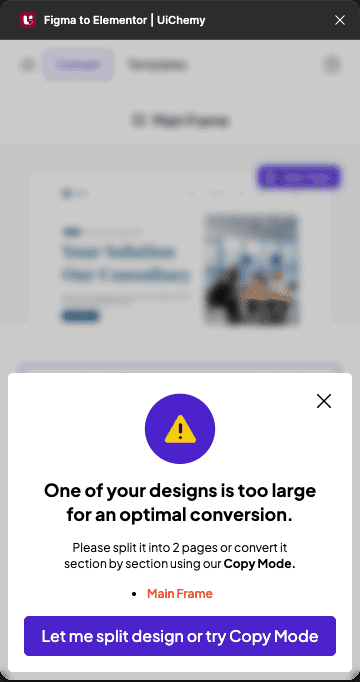
When you select a page or top-level frame taller than 12,000px, the plugin shows a Design Too Large popup and stops you from continuing until you split it, or convert it section by section with Copy to Clipboard. To ensure a smooth and accurate conversion, split your design into smaller sections. This makes it compatible with UiChemy and helps maintain the quality and performance of your exported files.
Steps to Split and Export
- Click on the section/layout you want to split from the design.
- Press the Alt key, and when you see the double arrow (black and white) cursor, drag the section out to duplicate it.
- Open the UiChemy plugin, choose Classic Mode → Step by Step Method, and convert the duplicated section following the usual 8-step wizard, locking media, tagging widgets, and converting to Auto Layout as needed. See First Conversion for the full walkthrough.
The plugin automatically recommends an export method based on how you selected the design, you may see Copy to Clipboard, Direct Import, or both options.
Repeat this process for the rest of your design, splitting and exporting each section to Elementor.