

Sign In to UiChemy
Create an account or sign in with Google, Facebook, Posimyth Store, a passkey, or email and password.
Go to app.uichemy.com to sign in. If you don't have access yet, join the early access waitlist instead.
Why It Matters
One account gets you into everything, Figma to WordPress, AI Website Creator, and Composer all sit behind the same sign-in, so it's worth using whichever method you'll actually remember and keep access to.
Creating an Account
New to UiChemy? Click Create account on the sign-in page, headed "Create your account" with the subtitle "Sign up to start your AI workflow."
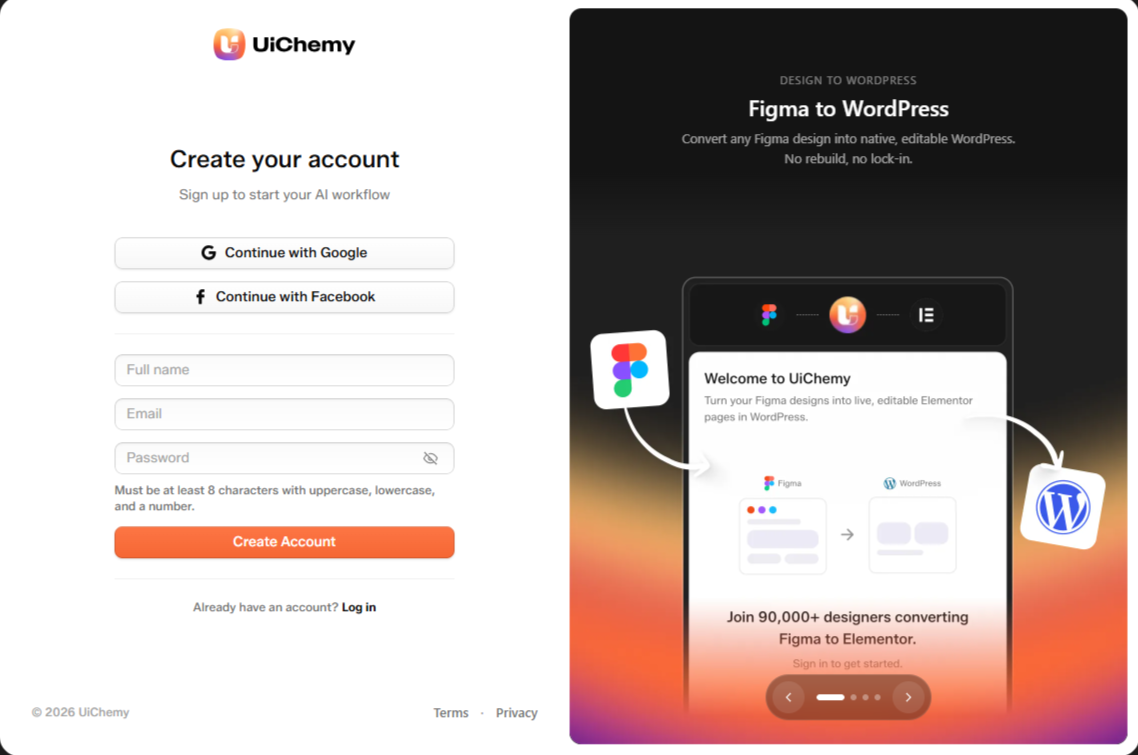
The Create your account sign-up page
- Continue with Google. Sign up with your Google account, no separate password needed.
- Continue with Facebook. Sign up with your Facebook account.
- Or fill in the form. Enter Full name, Email, and Password, then click Create Account.
Passwords need at least 8 characters, with uppercase, lowercase, and a number.
After you click Create Account, UiChemy asks you to verify your email address before you can log in with email and password.
Already have an account? Click Log in at the bottom of the sign-up page.
Sign-In Options
The sign-in page is headed "Welcome to UiChemy" with the subtitle "Log in or register to start your AI workflow."
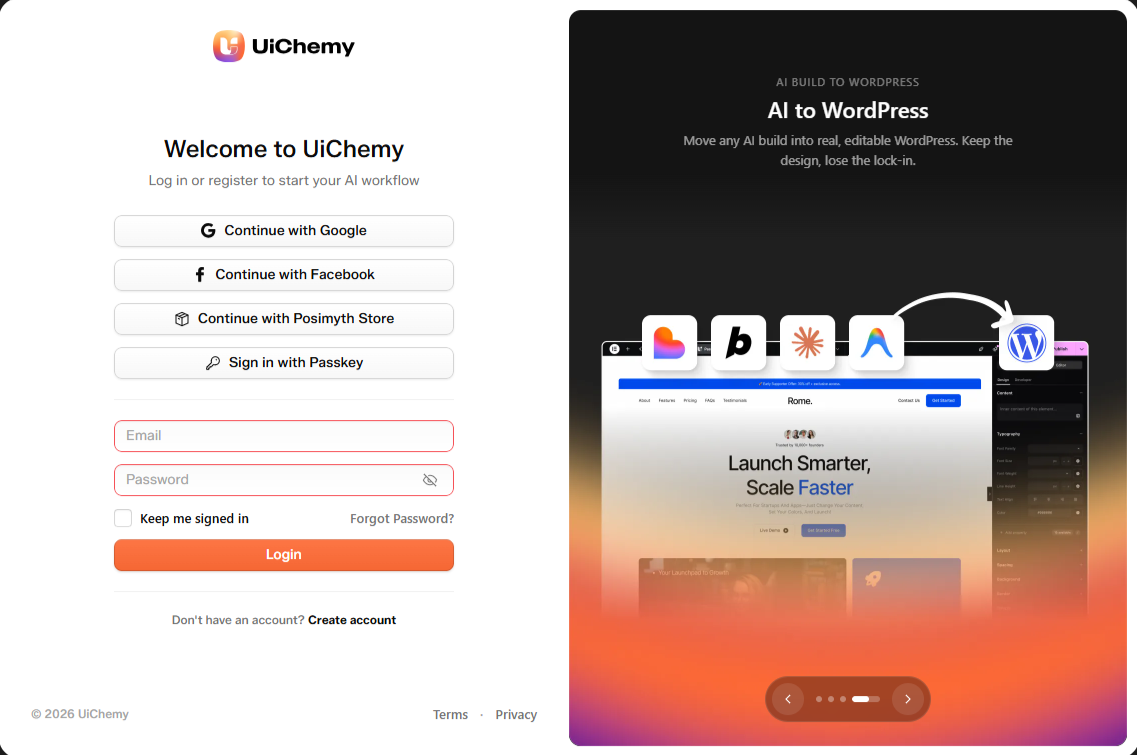
The Welcome to UiChemy sign-in page
- Continue with Google. Sign in with your Google account. No separate password needed.
- Continue with Facebook. Sign in with your Facebook account.
- Continue with Posimyth Store. For old Posimyth Store customers. It only shows when store sign-in is set up for the app.
- Sign in with Passkey. Use a passkey stored on your device instead of a password.
Continue with Posimyth Store isn't required. Any sign-in method works as long as it uses the same email as your license purchase, UiChemy automatically finds and attaches it. See Existing Licenses.
Sign In With Email and Password
Enter your email and password, then click Login.
- Check Keep me signed in to stay logged in on this device.
- Click Forgot Password? if you need to reset it.
- New here? Click Create account to sign up.
Signed up with Google or Facebook? Your account has no password until you set one. Set it from Account Settings.
Signing Out
Open the account menu at the bottom of the sidebar and click Log out. You can also sign a device out remotely from Seats & Sites.